Whether you’re looking to share highlights, post clips to other platforms, or save your content for future use, this guide will walk you through the simple steps to share your TikTok Live recordings. Let’s make sure your best moments don’t disappear!
Open the TikTok App
Launch TikTok and make sure you’re logged into the account you want to use.
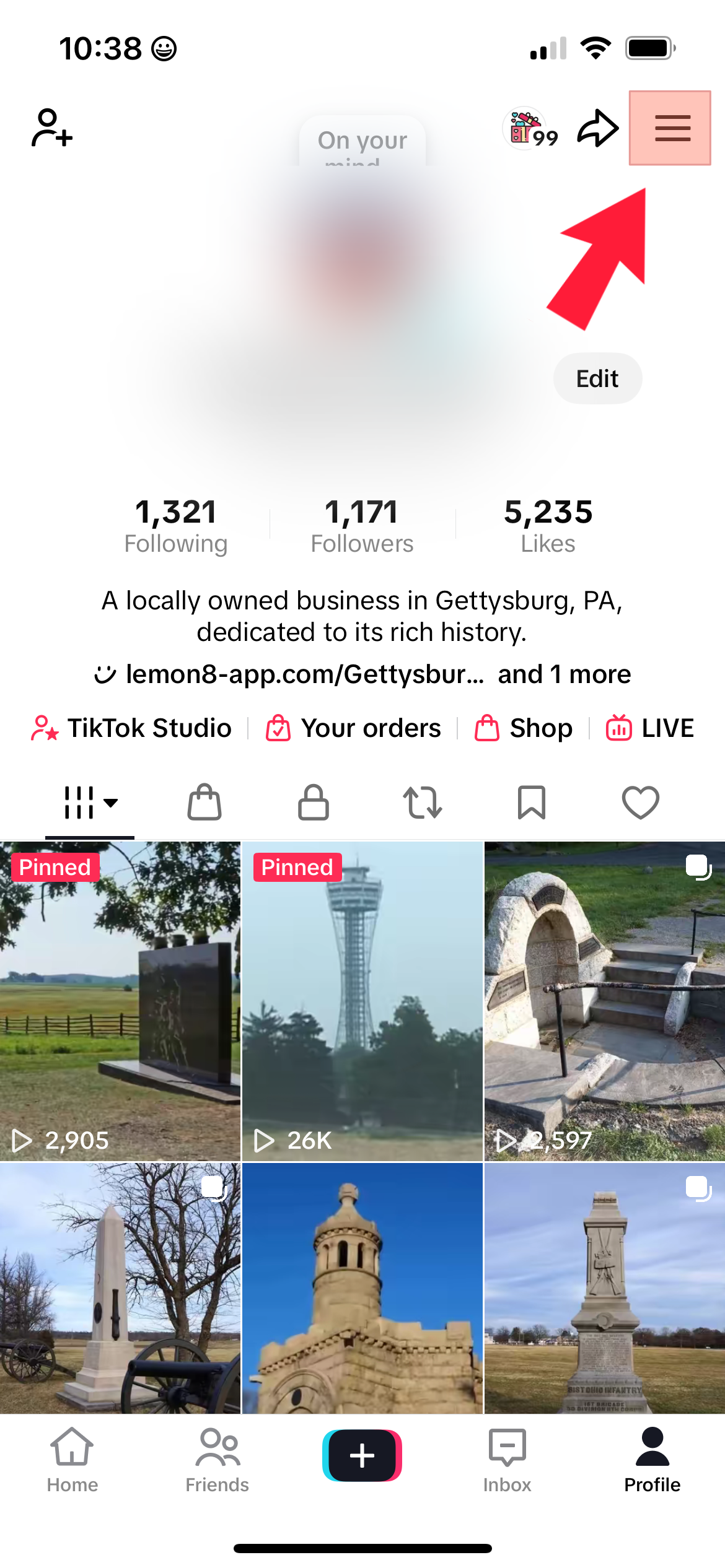
- Tap the three-line menu (☰) in the top right corner
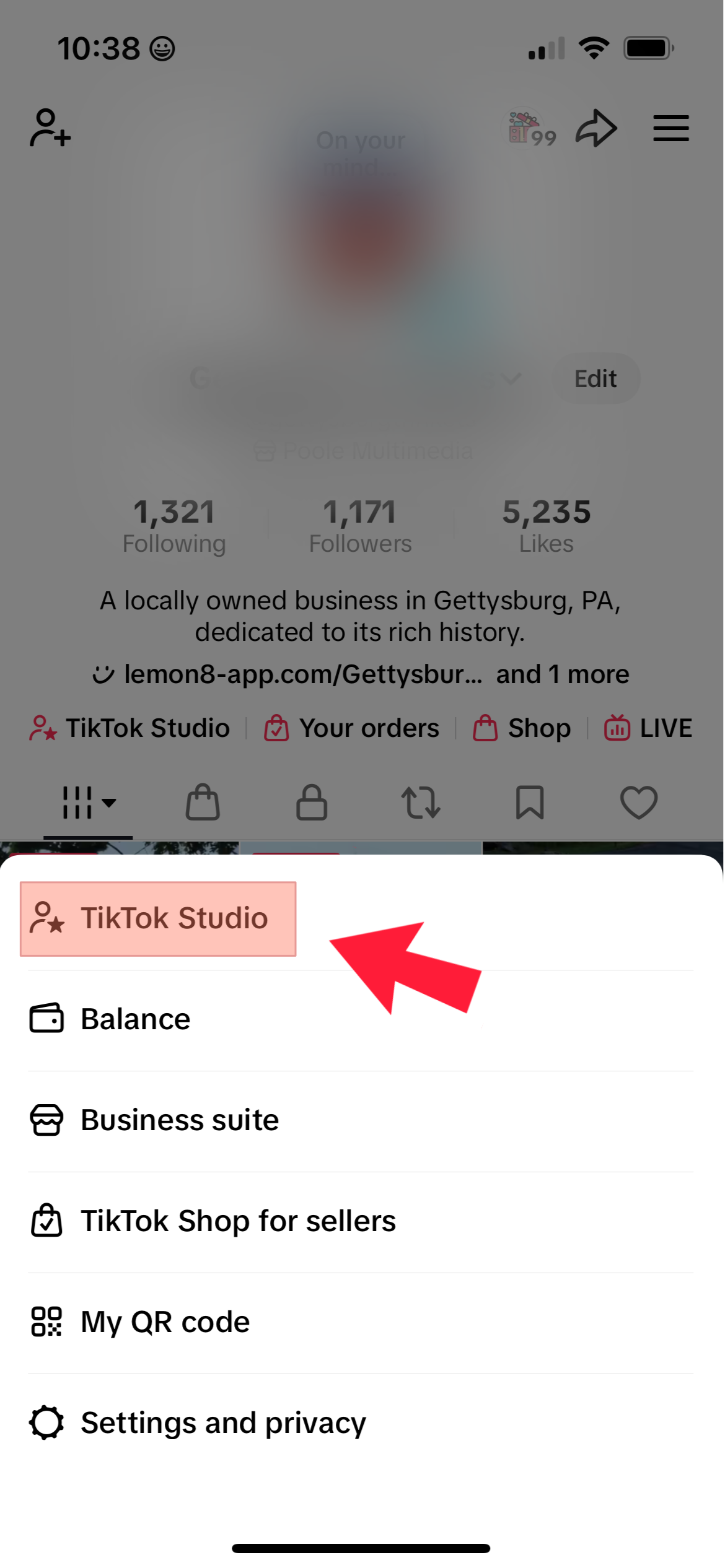
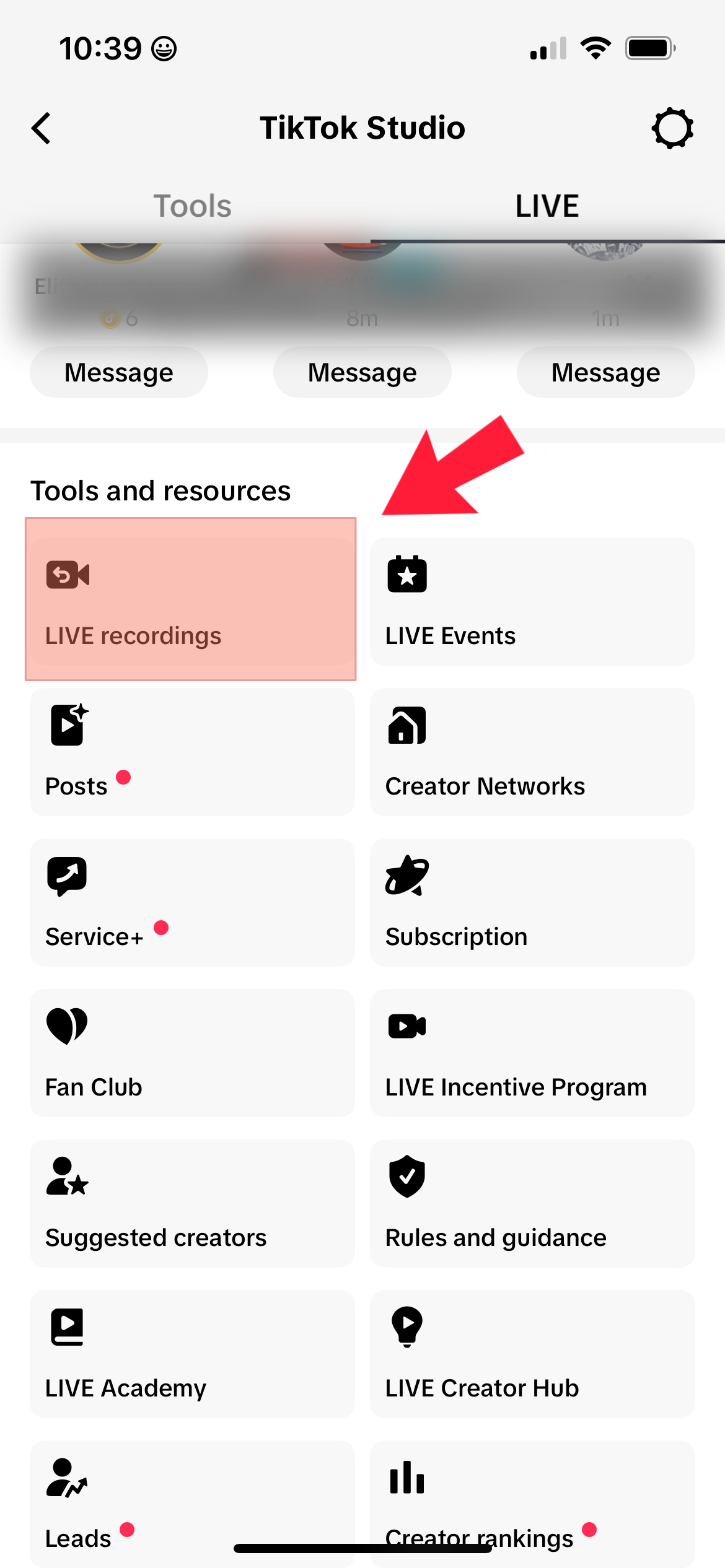
- then select “TikTok Studio”
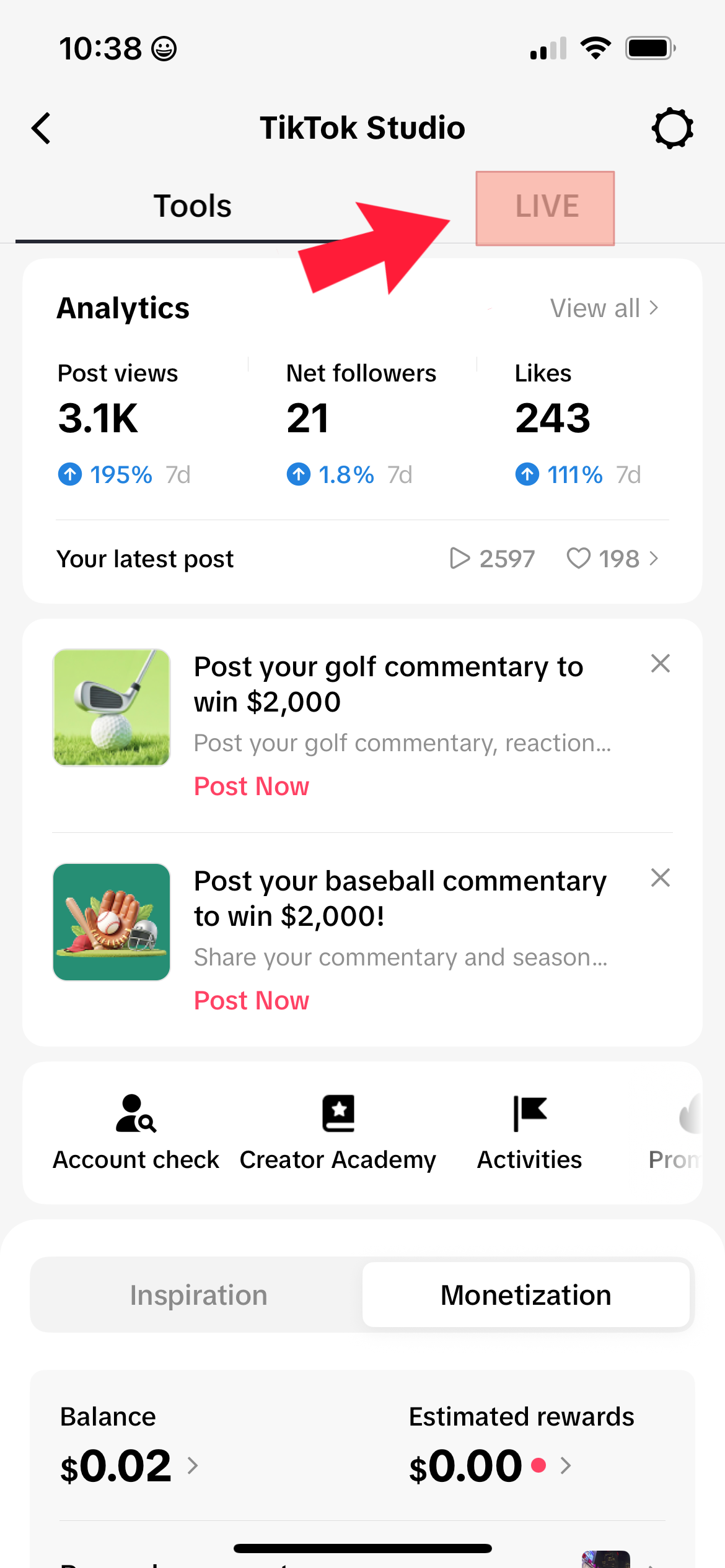
- then select “Live” at the top
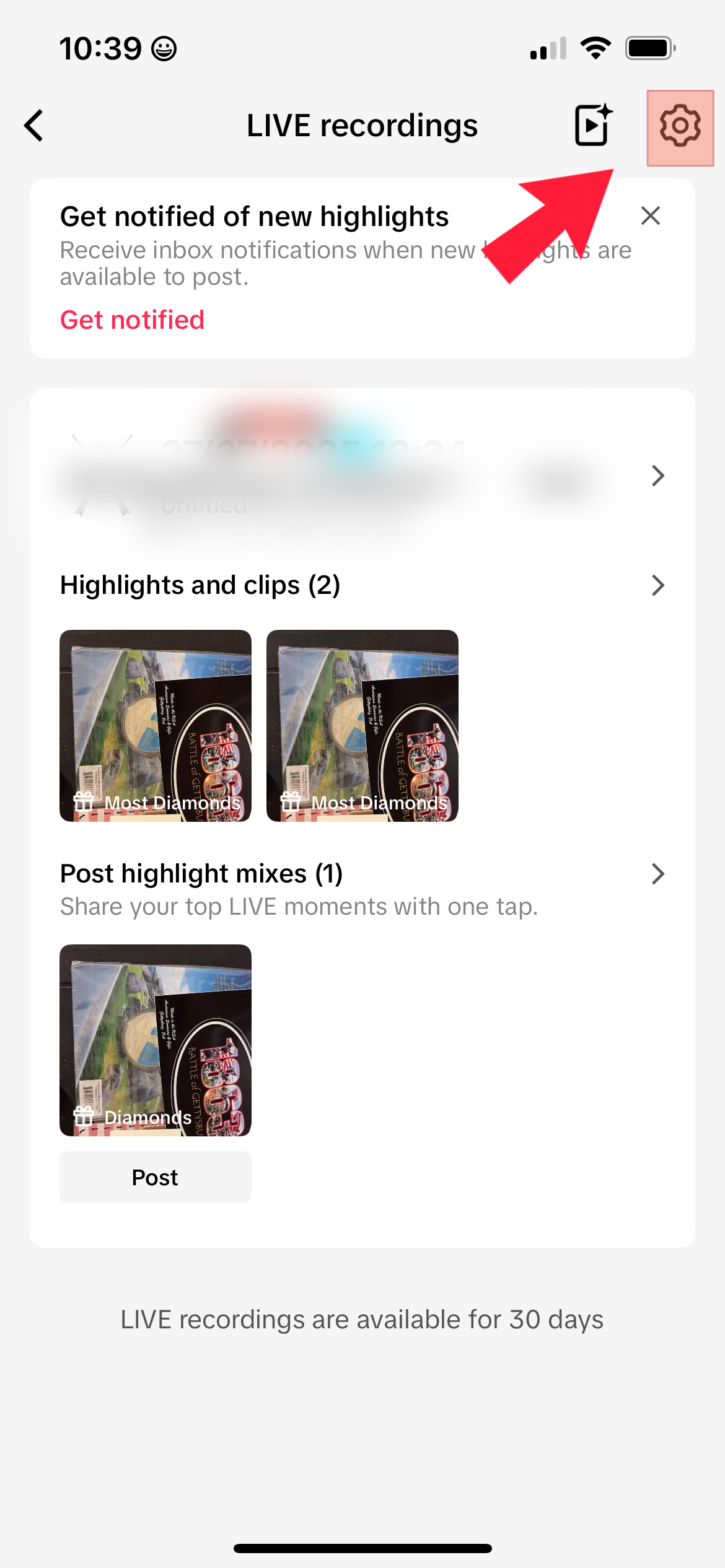
- then select the “Live Recordings“
- select Gear icon at the top
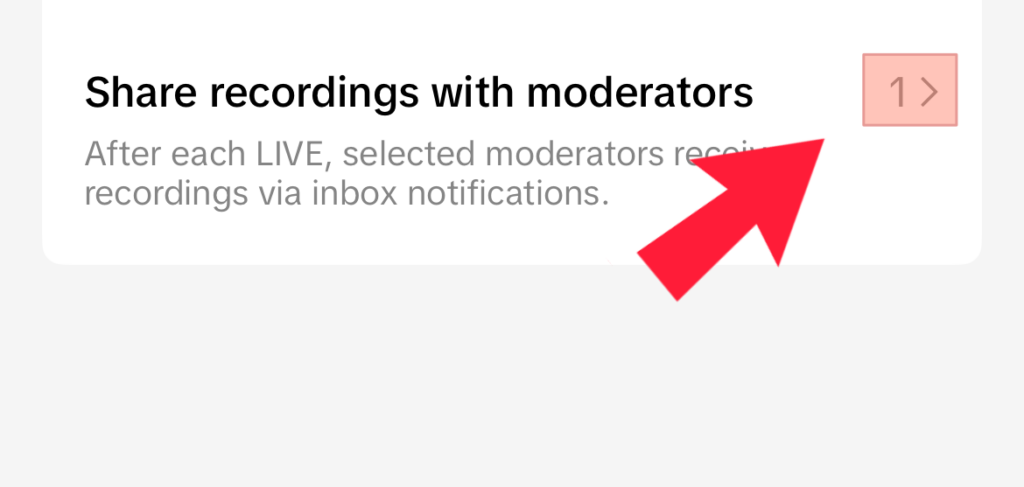
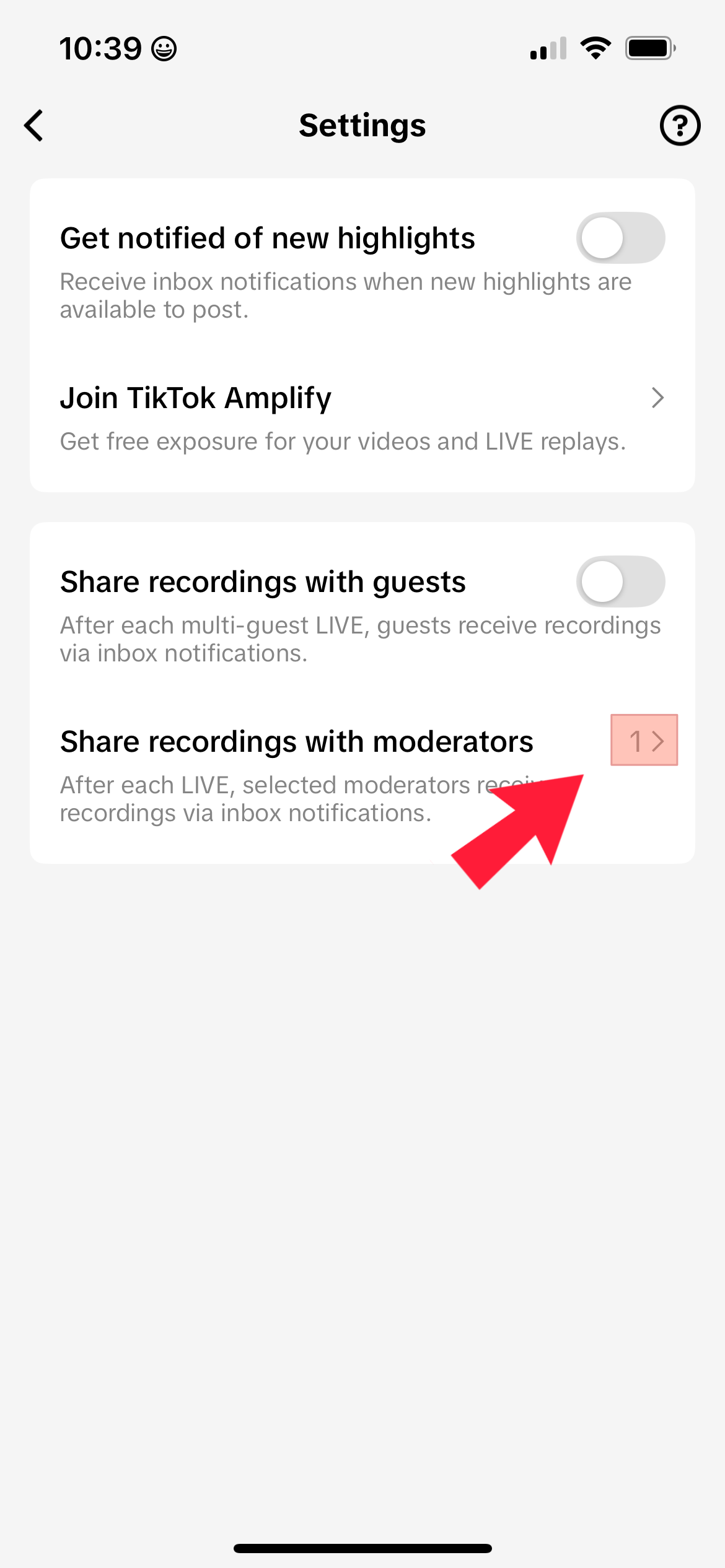
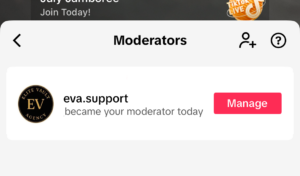
- next “Share recording with Moderators“
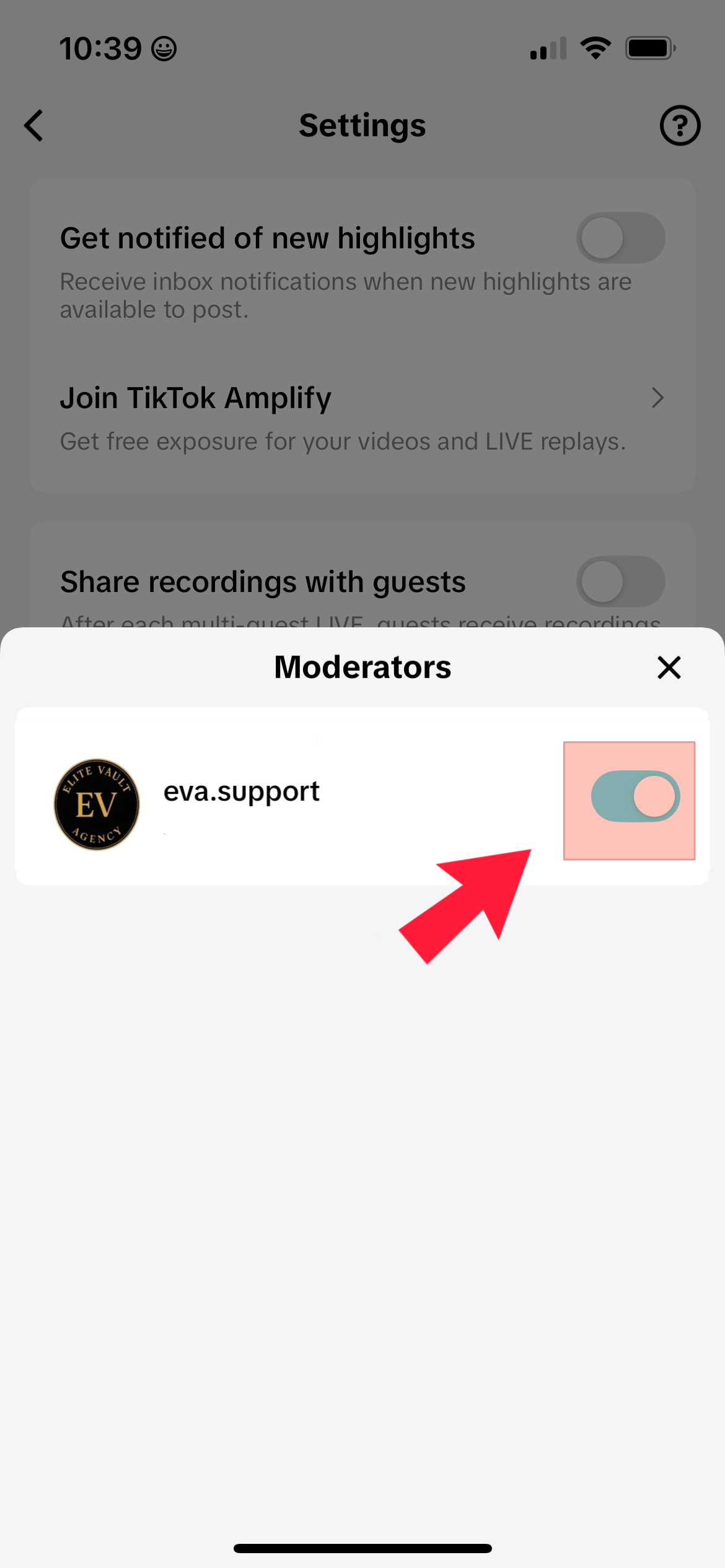
- then select a Moderator