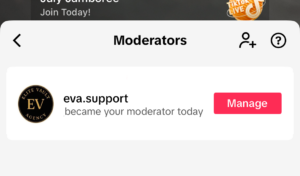
Locating Your TikTok Agency Invitation Code
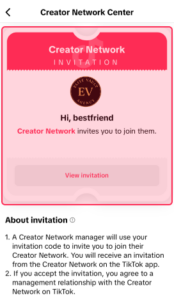
To ensure a smooth onboarding process, it’s important to locate your unique invitation code accurately. This step-by-step guide will walk you through the process, helping you find the code quickly and efficiently.
Use this link:
https://www.tiktok.com/t/ZT6GwtEua/
OR
Open the TikTok App
Launch TikTok and make sure you’re logged into the account you want to use.
- Tap the three-line menu (☰) in the top right corner
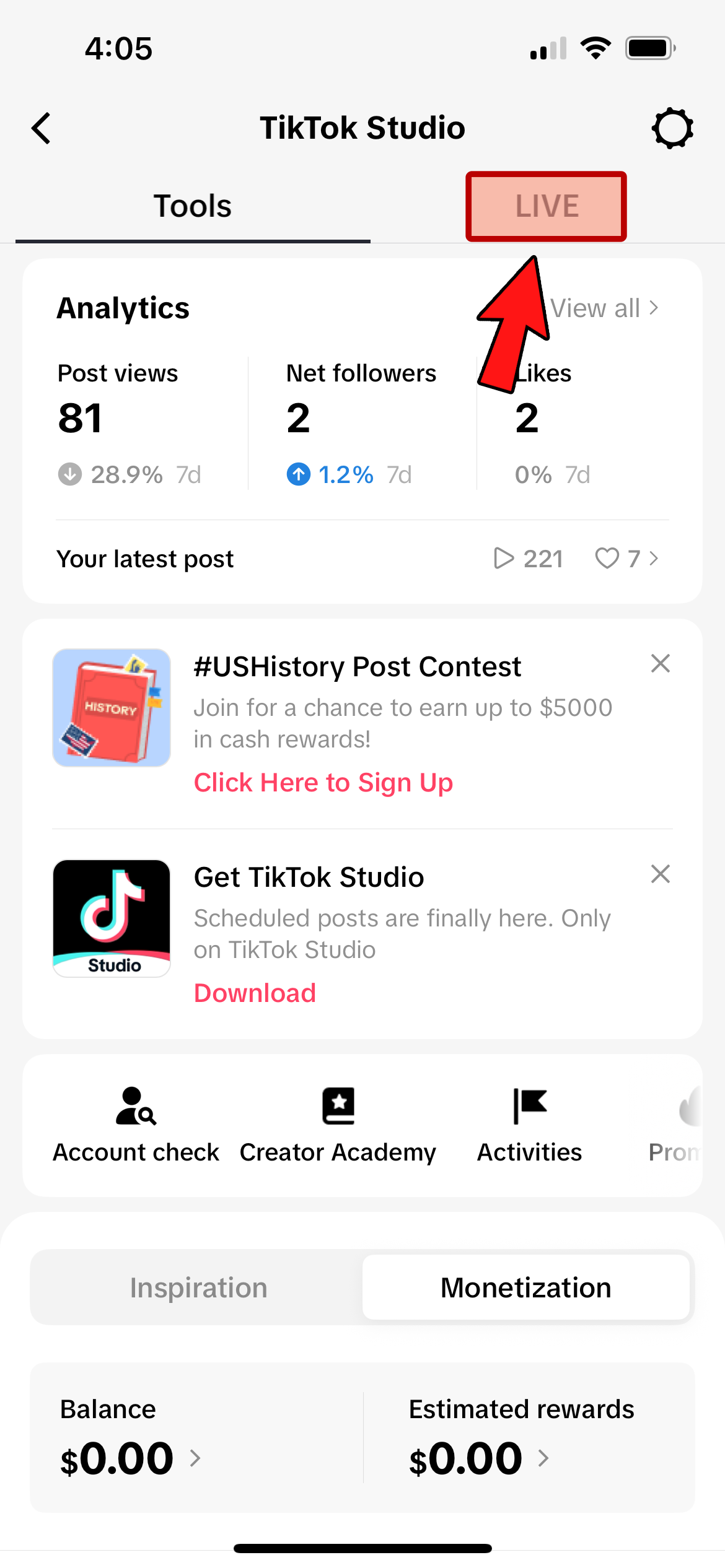
- then select “TikTok Studio”
- then select “Live” at the top
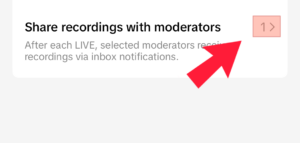
- then select “>” (arrow) at the bottom to expand the menu
- select “Join Creator Network“
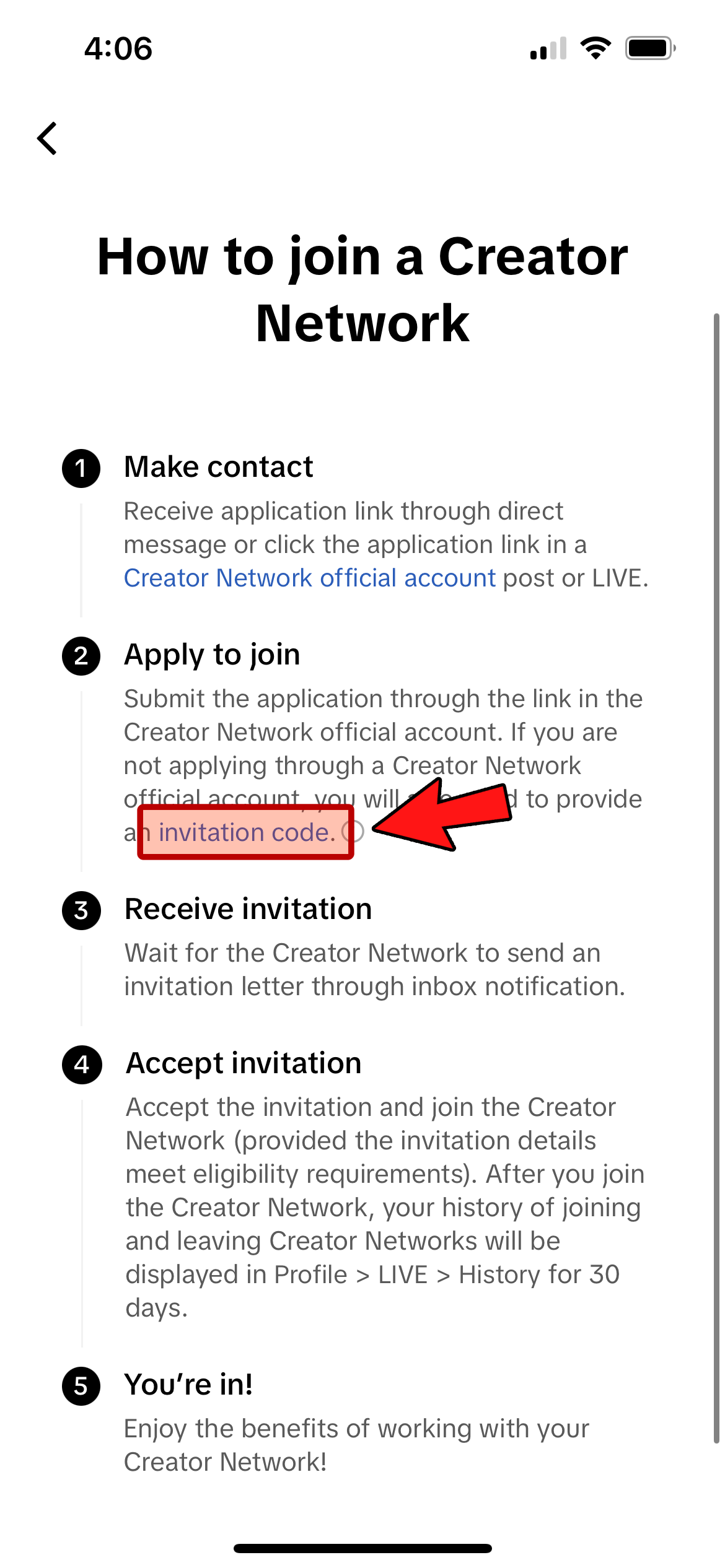
- next “View how to Join“
- under the Apply to Join section (2) seletct “Inivation code“